

Asset Management Overview Software
Intelligent Asset Monitoring for Modern Teams
Gain real-time visibility into every device in your organization.
Track system health, storage usage, updates, and warnings across your entire fleet ,all from one unified dashboard.
Real-Time Device Monitoring
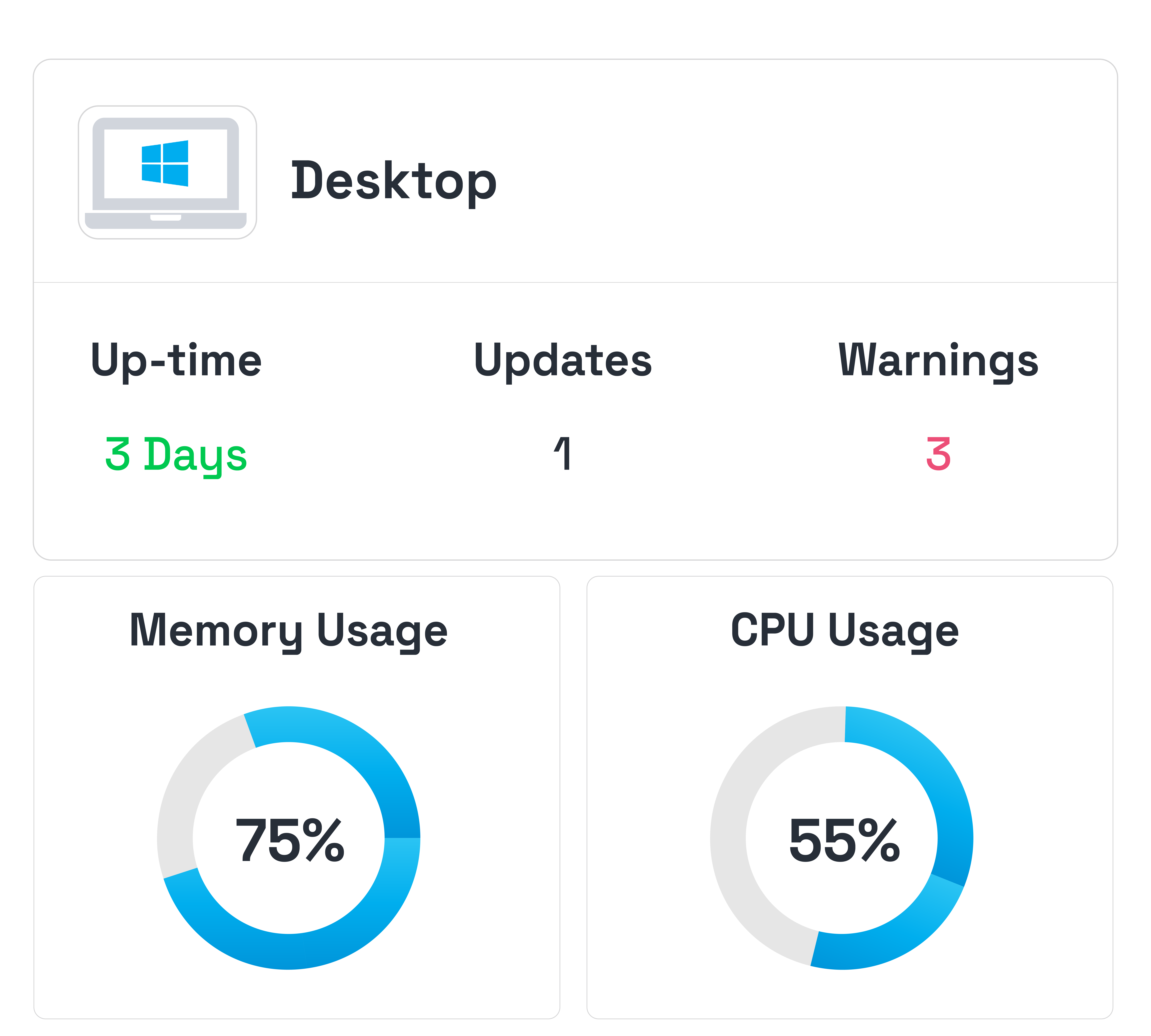
Monitor device health across your network. Track CPU usage, memory, uptime, and active users from a single dashboard.
Automated Update Tracking
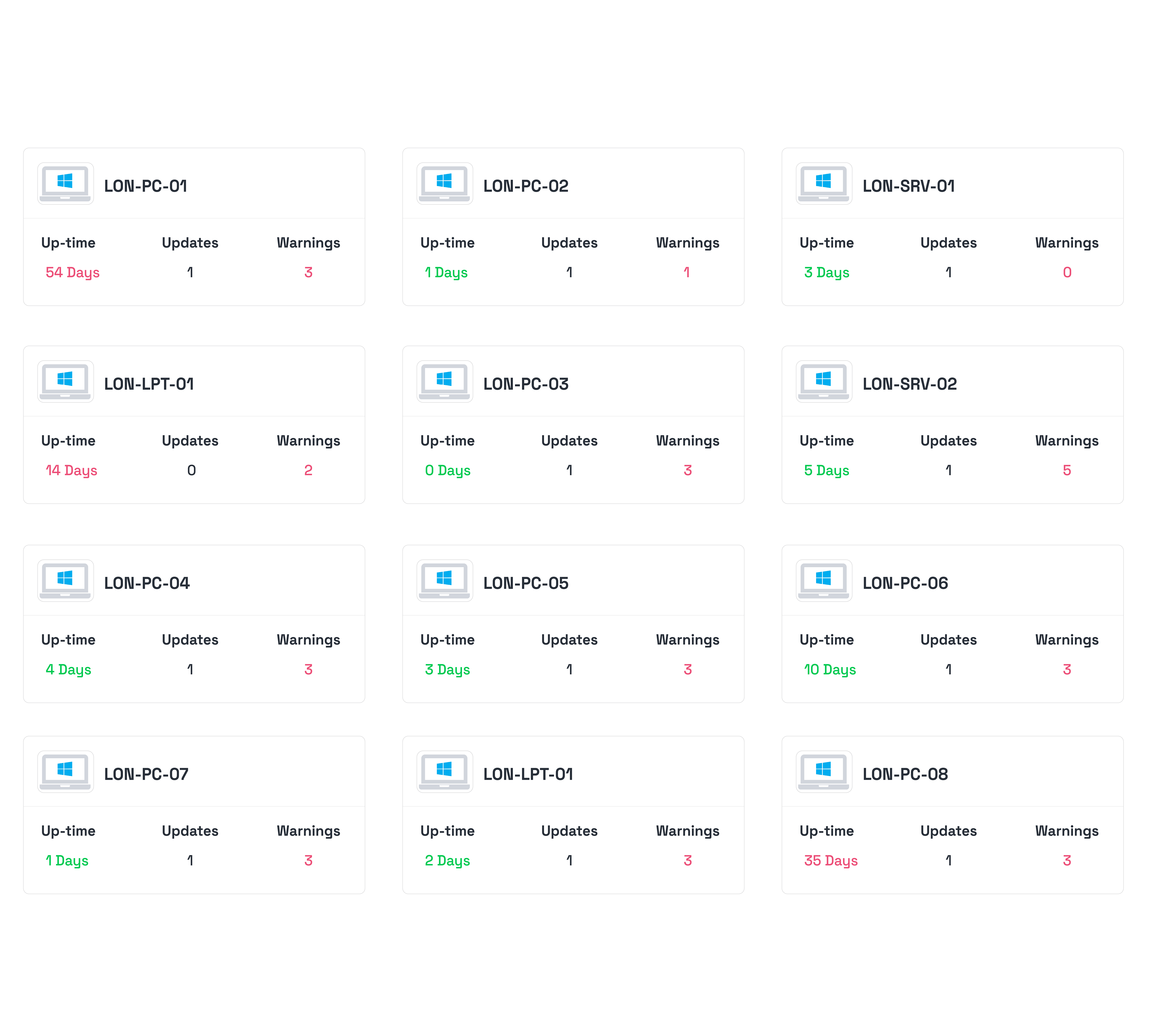
Automatically detect required updates across devices and quickly identify systems that need attention.
Security & System Alerts
Track firewall status, system warnings, and security alerts across your infrastructure to help your team detect issues early and respond quickly.
Complete visibility into your devices and infrastructure.
DEVICE HEALTH MONITORING
Real-Time System Health Insights
Monitor the performance and health of your devices in real time. Track CPU usage, memory consumption, uptime, and system activity to quickly identify issues before they affect productivity.
STORAGE MANAGEMENT
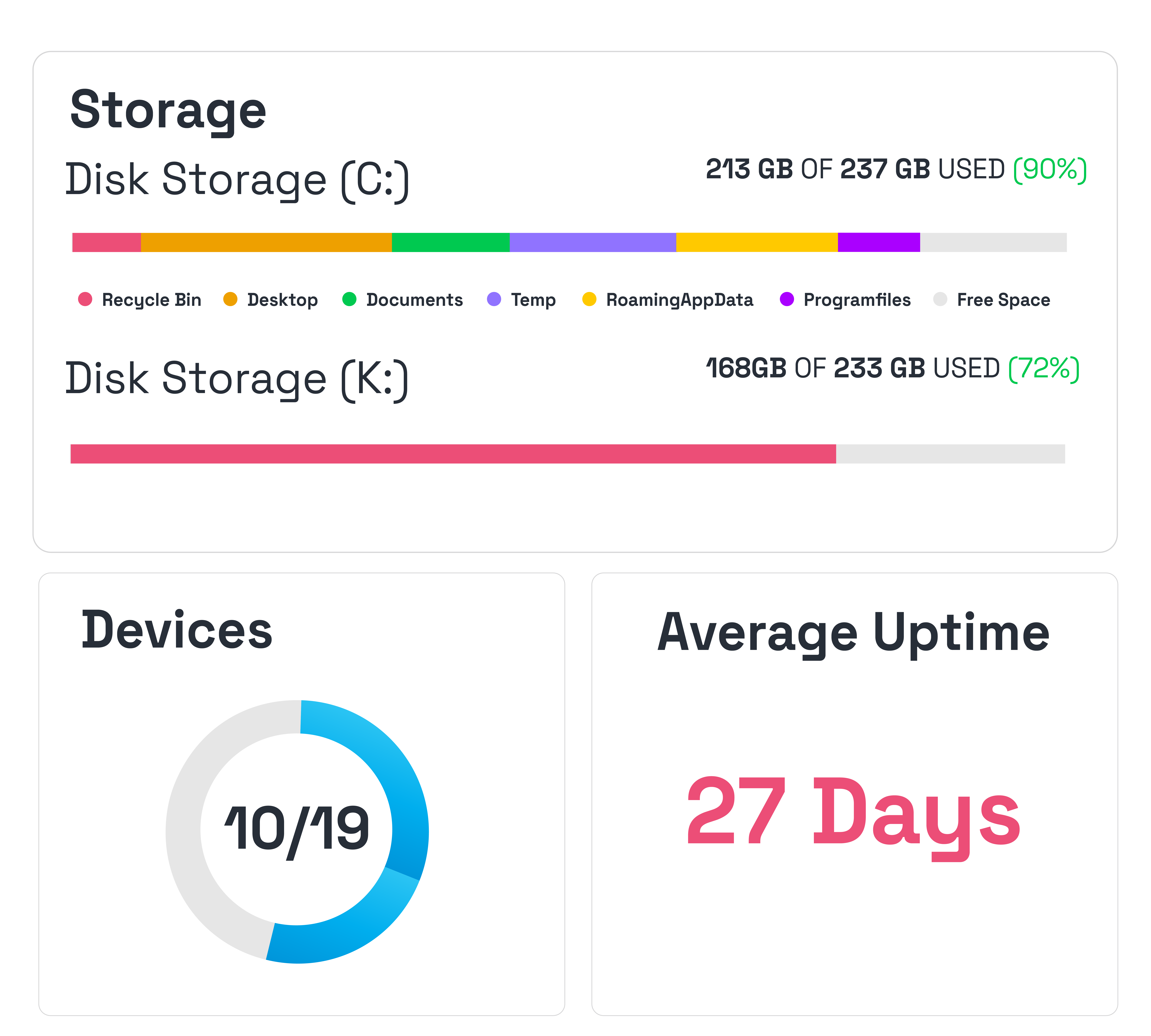
Smart Disk Usage Tracking
Understand how storage is being used across your devices. Identify low disk space, large files, and usage patterns so you can prevent storage-related issues before they impact systems.
DEVICE INVENTORY
Complete Hardware Visibility
Access detailed hardware and system information for every device in your network. View operating system details, processor information, RAM capacity, and other key specifications in one place.
Take the leap with 
Our unified IT management platform for MSPs has everything you need to take your operations to the next level.
Frequently Asked Questions
We have them answered!
What types of devices can the system monitor?
The platform monitors Windows devices connected to your network, including desktops, workstations, and servers. Each device reports system health, hardware information, storage usage, and update status to the dashboard.
How does the platform track device health and performance?
The system continuously collects key metrics such as CPU usage, memory consumption, disk usage, uptime, and system warnings. This information is displayed in real time so IT teams can quickly identify performance issues.
Can the system alert us when a device has issues or warnings?
Yes. Devices that require updates, experience warnings, or show abnormal system behaviour are automatically flagged in the dashboard. This helps your team quickly detect problems and take action before they impact operations.
Does the platform track required updates across devices?
Yes. The system detects devices that require operating system or system updates and highlights them within the dashboard. This makes it easier for IT teams to maintain secure and up-to-date systems.
Is device and system data securely monitored and stored?
Yes. Device data is securely transmitted and stored within the platform, and access to the dashboard is protected through user authentication and role-based access controls to ensure only authorised users can view system information.
TAKE THE NEXT STEP
Get 12 months free, limited to the first 50 teams.
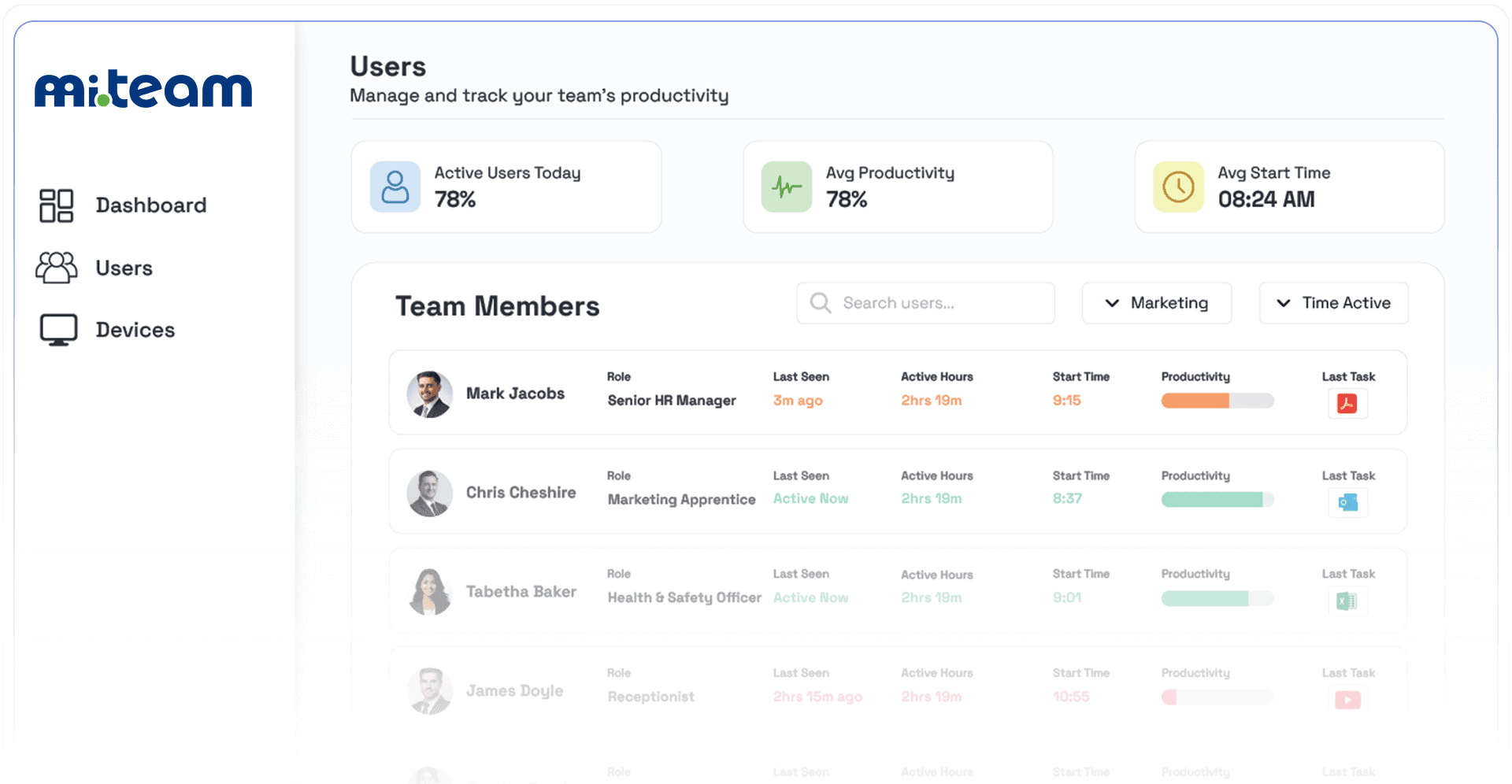
The smarter way to manage remote productivity is here.