

If you’ve got login access to mi.team, there are two easy ways to get in.
1. Use the Pop-Up Agreement
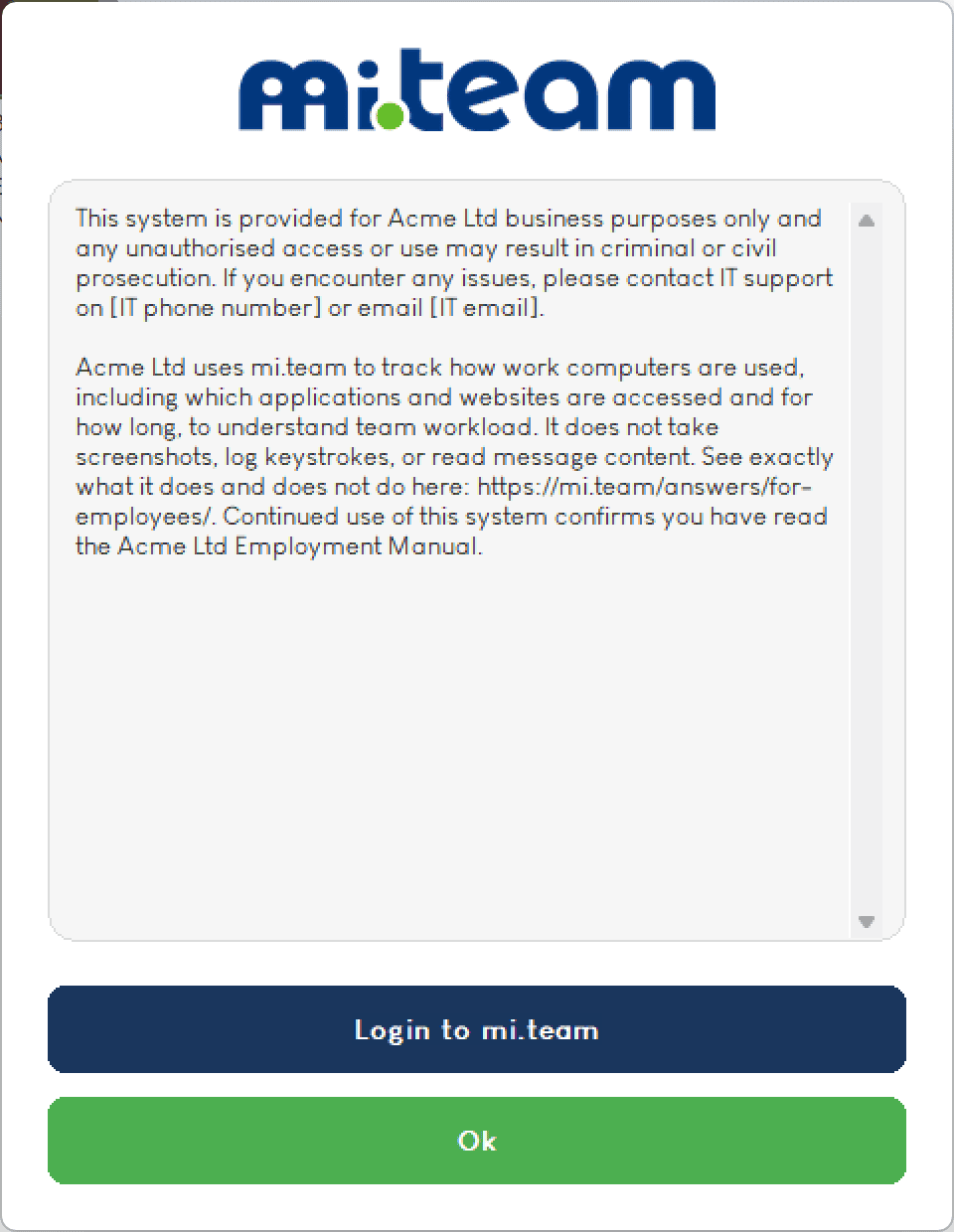
Every time you restart your computer, you’ll see the mi.team agreement pop up. There’s a blue “Login to mi.team” button on it, right above “Ok.” Click that and you’re straight into your dashboard.
2. Use the System Tray Icon
Don’t want to wait for a restart? The mi icon lives in your system tray, next to the clock. If you can’t see it straight away, click the small arrow to show hidden icons, then click the mi icon.

Either way takes you to the same place, your own mi.team dashboard for your company.
Admins and MSPs
If you manage mi.team rather than just use it, you’ll usually log in a third way, directly at go.mi.team with your email address. This route needs an email registered against your account, so it’s mainly for admins and MSPs rather than everyday users.
Not sure what mi.team actually does once you’re in? Read: What is mi.team? A Guide for Employees.
